UNDERSTAND THE CONNECTION

The digital ecosystem has a physical side

XWARE is the hardware and physical-technology division within XGlobe. It connects the places people live and work with the information and applications they use. Phones, tablets, scanning devices, counter equipment and connected spaces each have a different role. Their value comes from a useful interaction in the real world rather than from a device being pictured in a catalogue.

THE PURPOSE IN PRACTICE

The hardware and physical-technology division connecting real-world devices, workflows, and future infrastructure with digital systems.

The mission behind the work

Start with the interaction

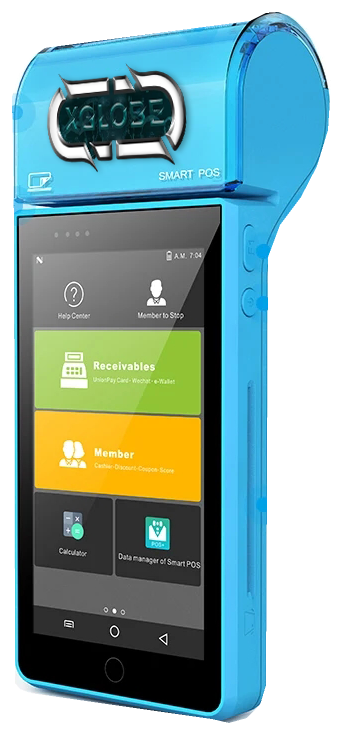
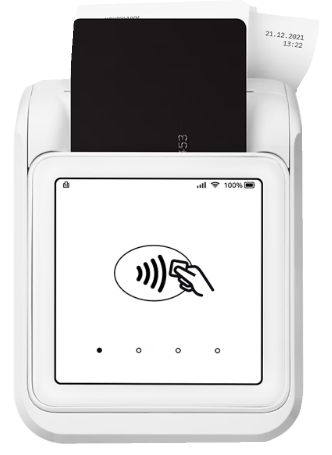
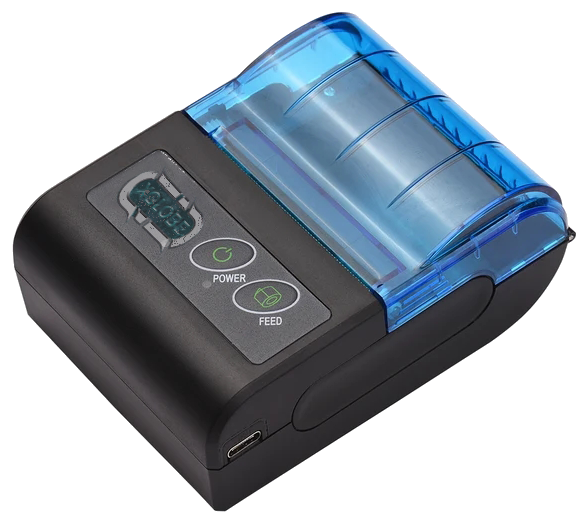
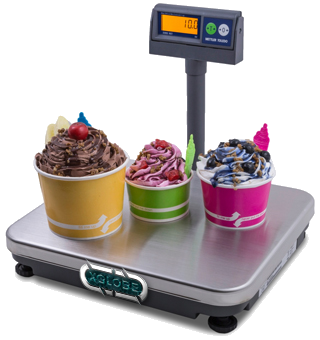
At a counter, a customer, item, payment and receipt need to stay connected. In the field, a person may need to read a record and capture what they observe. In a building, an access event needs to follow the approved permission rules. Each interaction identifies different equipment, software and installation needs.
Read the images with the right expectations

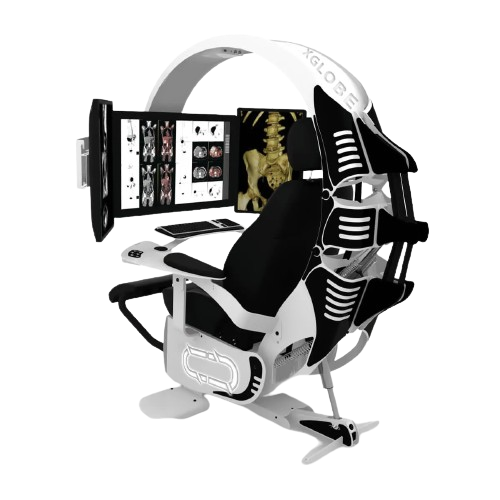
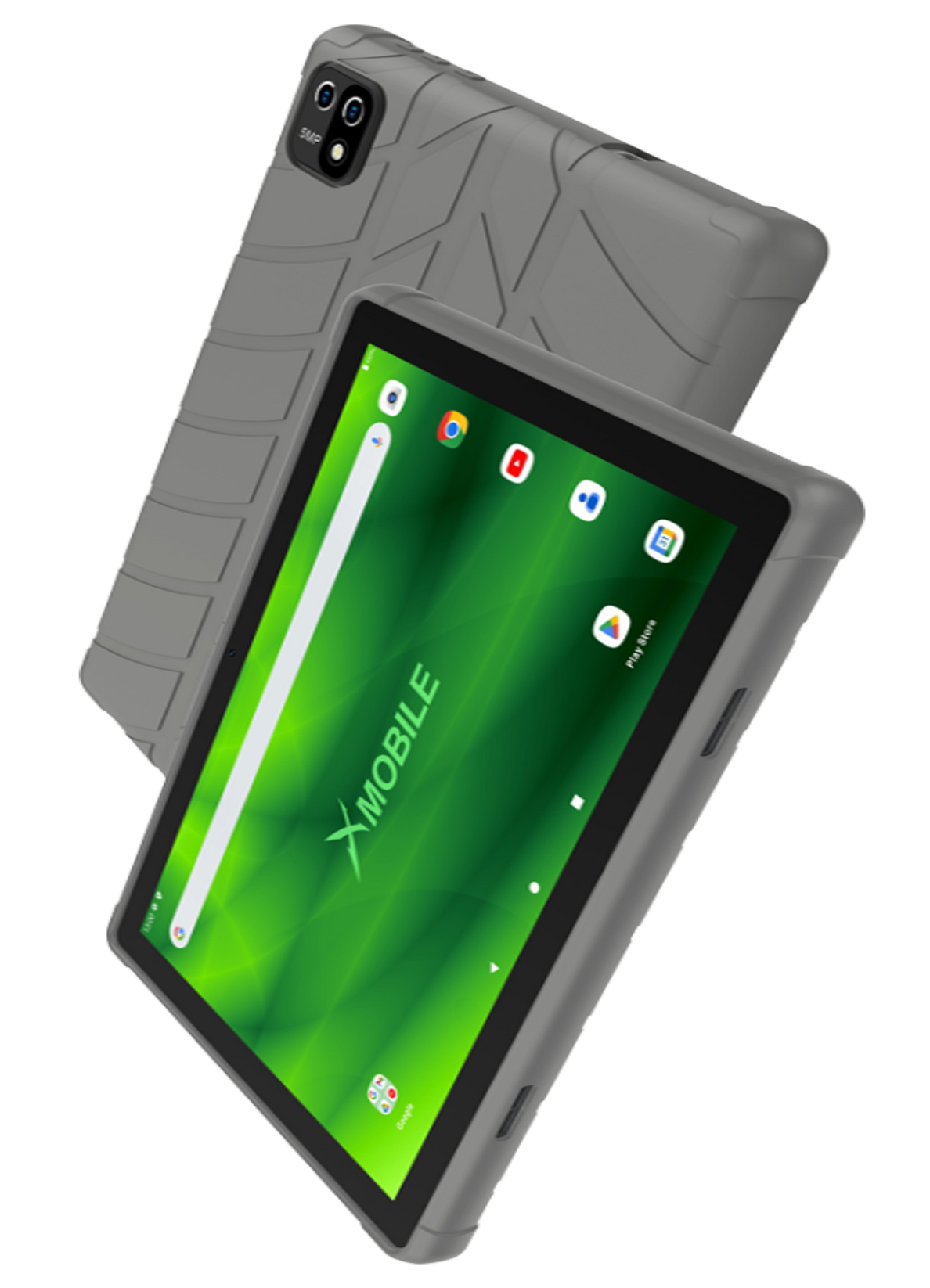
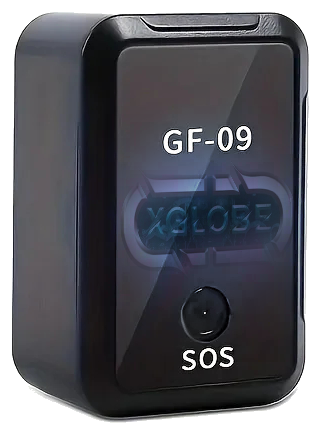
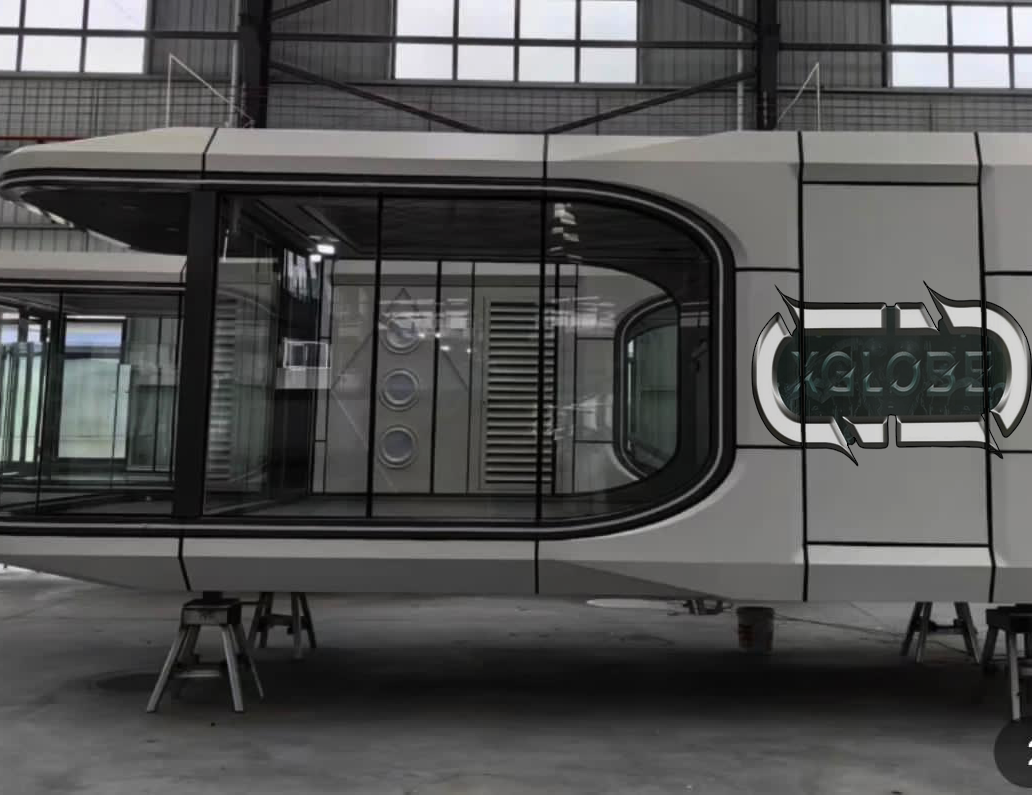
The catalogue preserves original XGlobe product imagery and clearly labels legacy concepts and illustrative material. Transparent cutouts help visitors see the equipment without changing the product itself. Current models, stock, final specifications and working integrations require confirmation. The physical office-pod concepts are distinct from the newer XPOD home-computing vision.

XWARE / REAL-WORLD TECHNOLOGY

REAL WORLD.
CONNECTED.

Bring your digital world to the places you live and work. Discover mobile devices, business equipment, connected spaces and emerging systems.

Explore the hardware
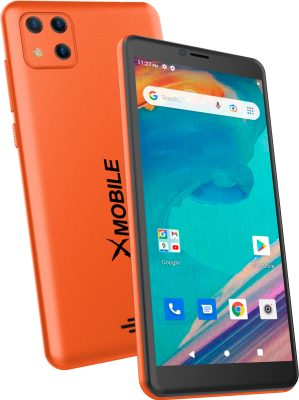
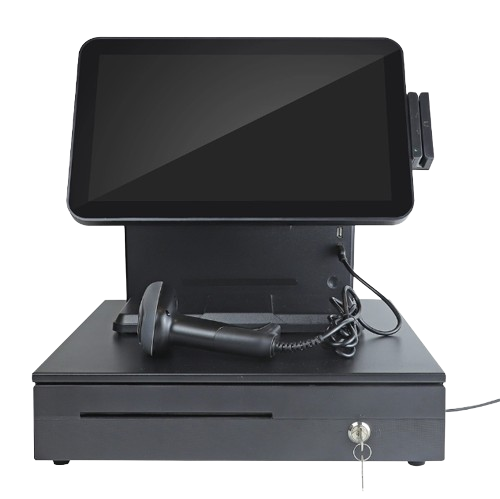
Orange XMobile phone shown from the front and back.Point-of-sale touchscreen terminal with a cash drawer and barcode reader.XCTRL workstation concept with a reclining seat and multiple monitors.XMOBILE · XWARE · WORKSPACE CONCEPTS
EXPLORE XWARE

Mobile & field devices

EXPLORE XWARE

At the counter

EXPLORE XWARE

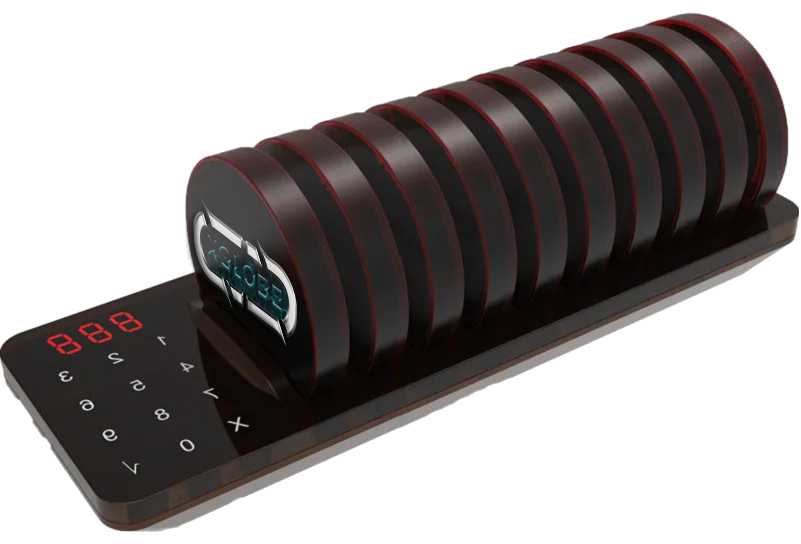
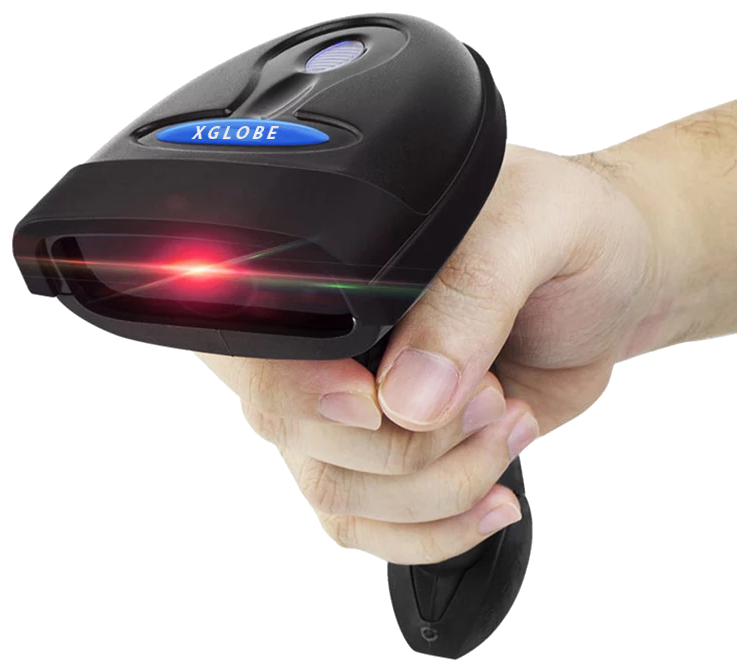
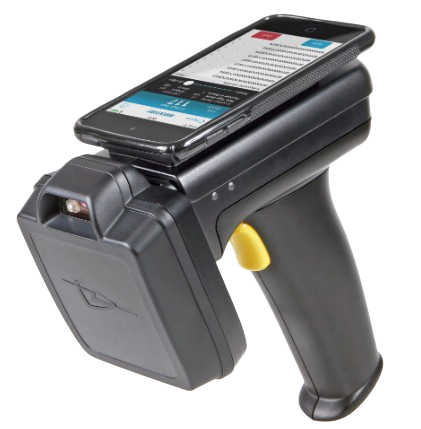
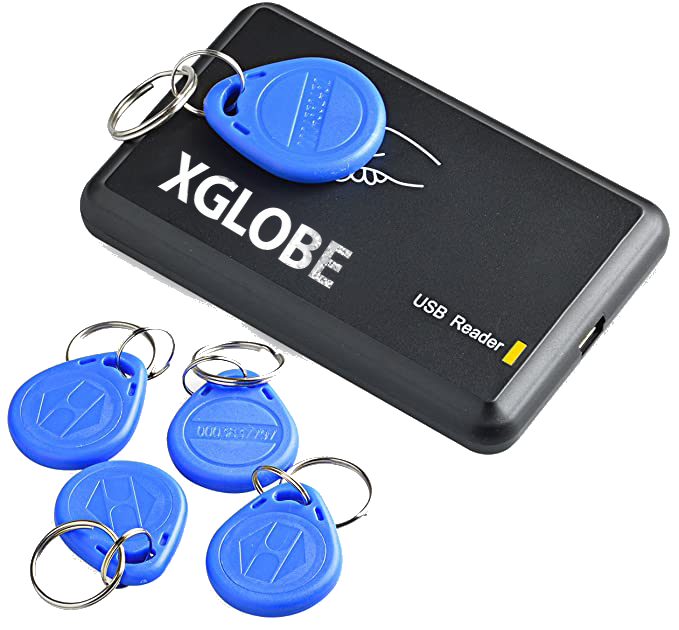
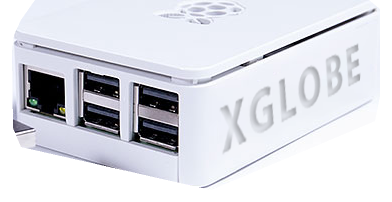
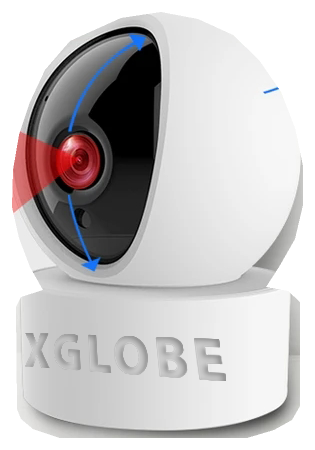
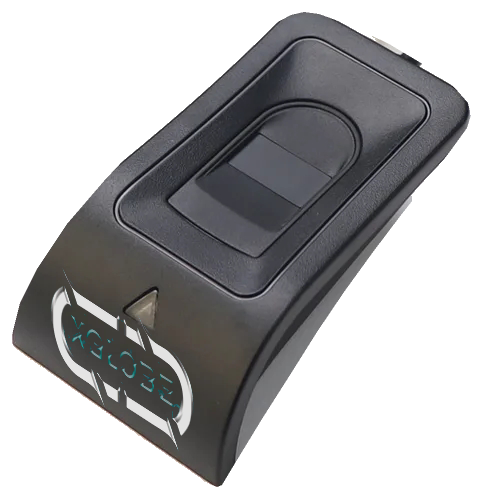
Capture, identify & connect

EXPLORE XWARE

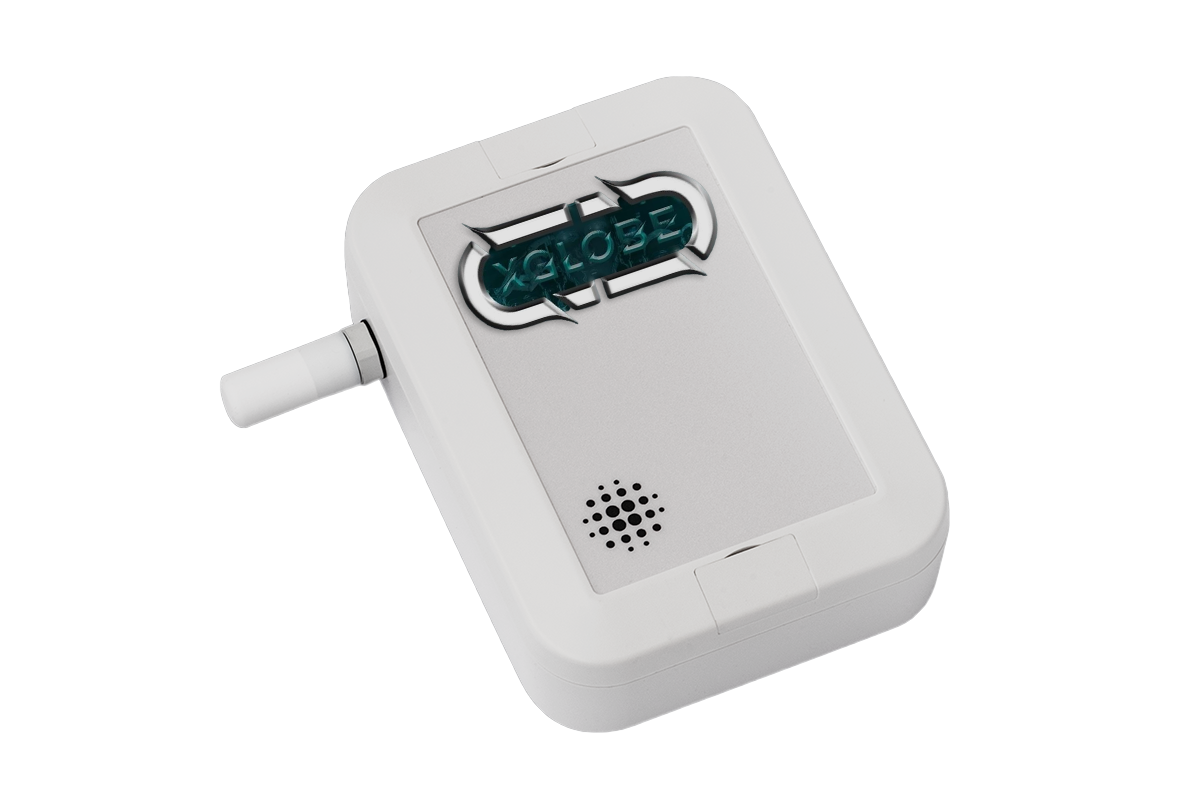
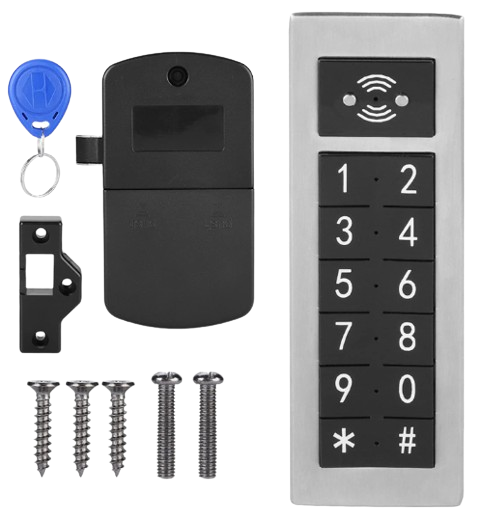
Spaces, security & emerging systems

FROM DEVICE TO WORKFLOW

Choose the connection.
Then scope the setup.

The images are from XGlobe’s original hardware catalogue. Tell us what you want to connect, where it will be used and which applications it needs to work with.

Contact us for models, stock, specifications, compatibility and installation. Office pods and workstation designs are separate from XPOD’s home-computing vision.

QUESTIONS & ANSWERS

A clearer picture.

The details that help you choose your next step.

Can I order every pictured device immediately?

The catalogue introduces solution categories and original product images. Confirm the model, configuration, current supply, installation and support through an inquiry before treating an item as an orderable offer.

Does XWARE hardware include all XGlobe software?

No. Device compatibility, account access and connected service activation are separate requirements. Explain the applications and workflow involved so the full setup can be reviewed.

Which pages contain concept artwork?

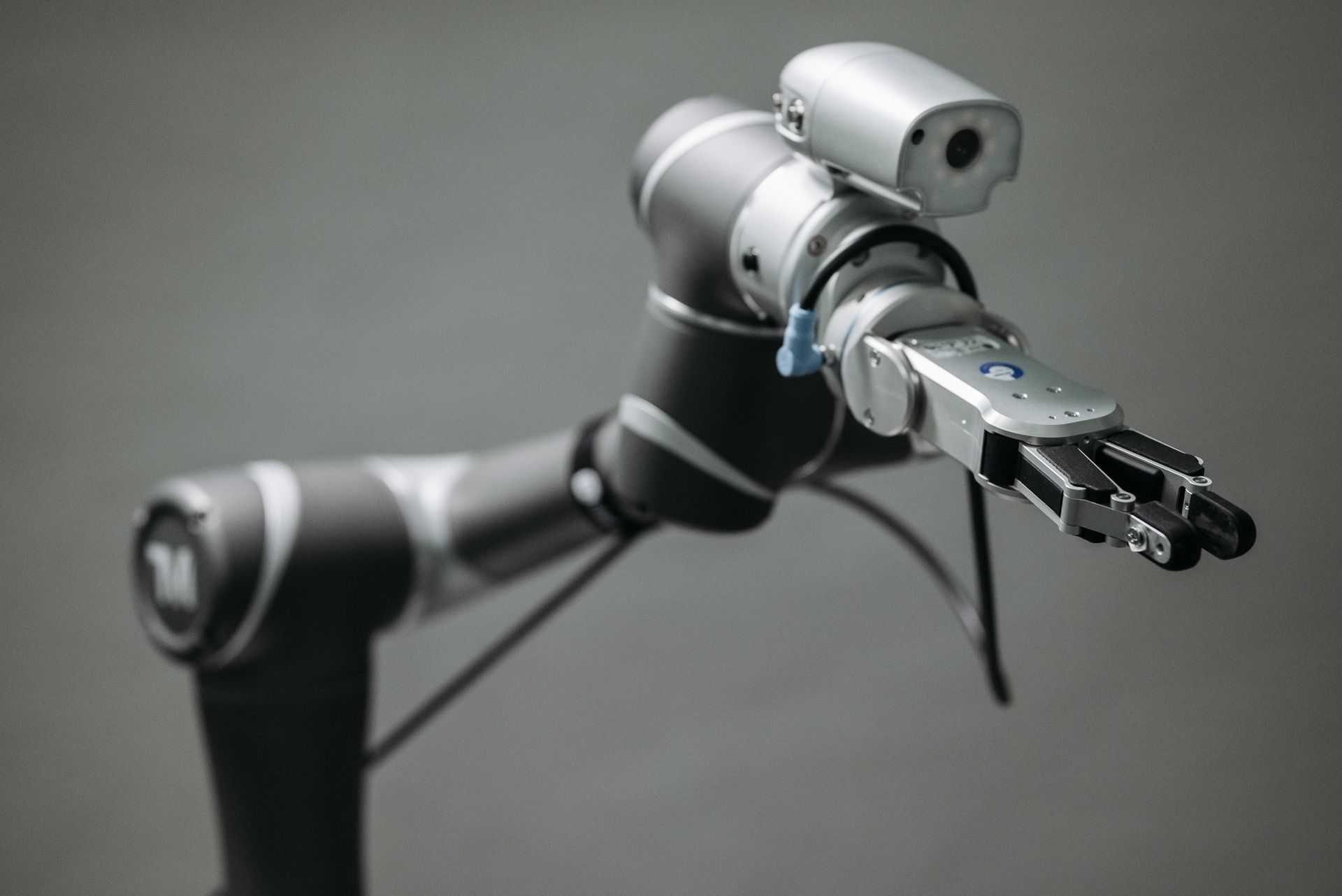
Office pods, workstations and robotics are shown through design illustrations. Contact us for configurations and availability.

How should I compare hardware choices?

Follow a representative task and identify the input, output, connection and people involved. A useful configuration must fit that interaction and the actual location, not simply look impressive.

THE PEOPLE’S CORPORATION

A future
for people.

Personal control. Human opportunity.
Stronger local economies and a voice for communities.

Join XGlobeExplore the mission
SEARCH THE WHOLE ECOSYSTEM Press Esc to close
FIND THE RIGHT FIT

Your products, side by side.