Evaluate the complete interaction
A useful field example follows the person from receiving a task to collecting an image or note and returning to the office record. The device, connection and application permissions all affect that experience.

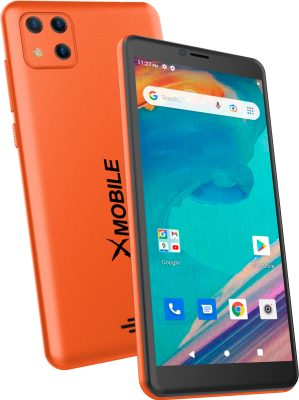
The X1 mobile direction brings communication, application access and information capture into a portable device. A phone used at work should fit the actual task: viewing a record, collecting context or communicating at a handoff. Current models and specifications remain subject to inquiry.
The X1 mobile direction brings connected business access, communication, and information capture into a portable device.
The mission behind the workA useful field example follows the person from receiving a task to collecting an image or note and returning to the office record. The device, connection and application permissions all affect that experience.
Test the application view and capture task in the conditions where staff will work. A device that displays a page at a desk may encounter different network, lighting or handling conditions elsewhere. Confirm that the resulting record reaches the intended place with enough context for another person to use it.
Mobile work, communication and capture.
Understand which customer, field, and operational tasks belong on a mobile device.
Plan images, notes, and record access around the work being performed.
Confirm connectivity, capacity, device availability, and the applications needed in the deployment.
The catalogue describes solution areas. Stock, specifications, certification, ownership, installation, and operational deployment require current confirmation.
Share the intended use, location, quantity, connectivity and software requirements so the configuration can be reviewed.
The details that help you choose your next step.
Contact us for available models, configurations, stock and technical specifications.
Application access, operating-system compatibility and connectivity need confirmation for the selected device. A shared ecosystem name does not guarantee every app works on every configuration.
Explain the location, applications, capture needs and communication requirements. Battery, network and handling needs should be reviewed against the actual daily task.
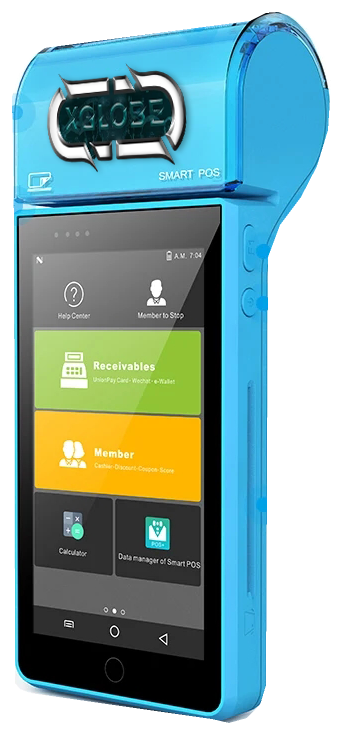
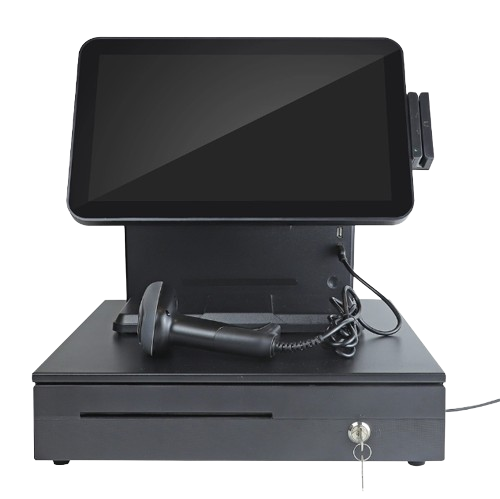
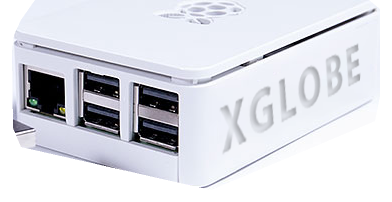
It shows the original XGlobe catalogue presentation. Confirm the current model, configuration, availability, software compatibility and support before ordering. A product image is not a live stock or integration guarantee.
Personal control. Human opportunity.
Stronger local economies and a voice for communities.