UNDERSTAND THE CONNECTION

Connect identity checks to a defined permission

Biometric equipment can provide an identity signal in an access or attendance workflow. It should be considered together with enrollment, record handling and the organization’s actual permission rules. A successful match does not independently decide what a person is authorized to do.

THE PURPOSE IN PRACTICE

Biometric access and employee attendance/timekeeping direction using traits such as fingerprints, iris patterns or face recognition.

The mission behind the work

Evaluate the complete interaction

A representative review separates enrollment from daily use and from the decision that follows a check. The people responsible for the location need to understand the enrollment method, access alternatives and the handling of the resulting records.
What a representative trial should clarify

The access process should remain understandable when a check fails or a person’s authorization changes. Review how the responsible team handles those conditions and any approved alternative method. An enrollment or identity signal should not silently become a broader permission than the organization intended.

XWARE / HARDWARE CATALOGUE

Biometric Scanners

Biometric access and employee attendance/timekeeping direction using traits such as fingerprints, iris patterns or face recognition.

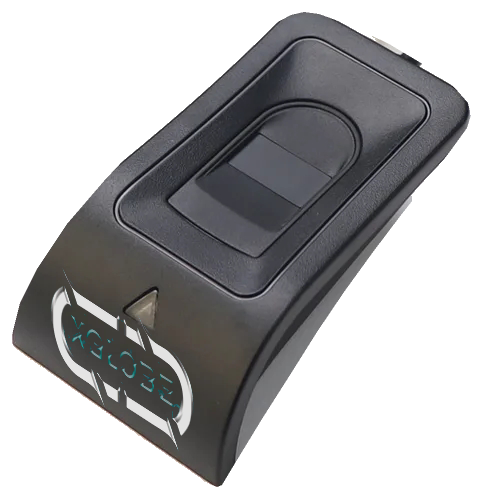
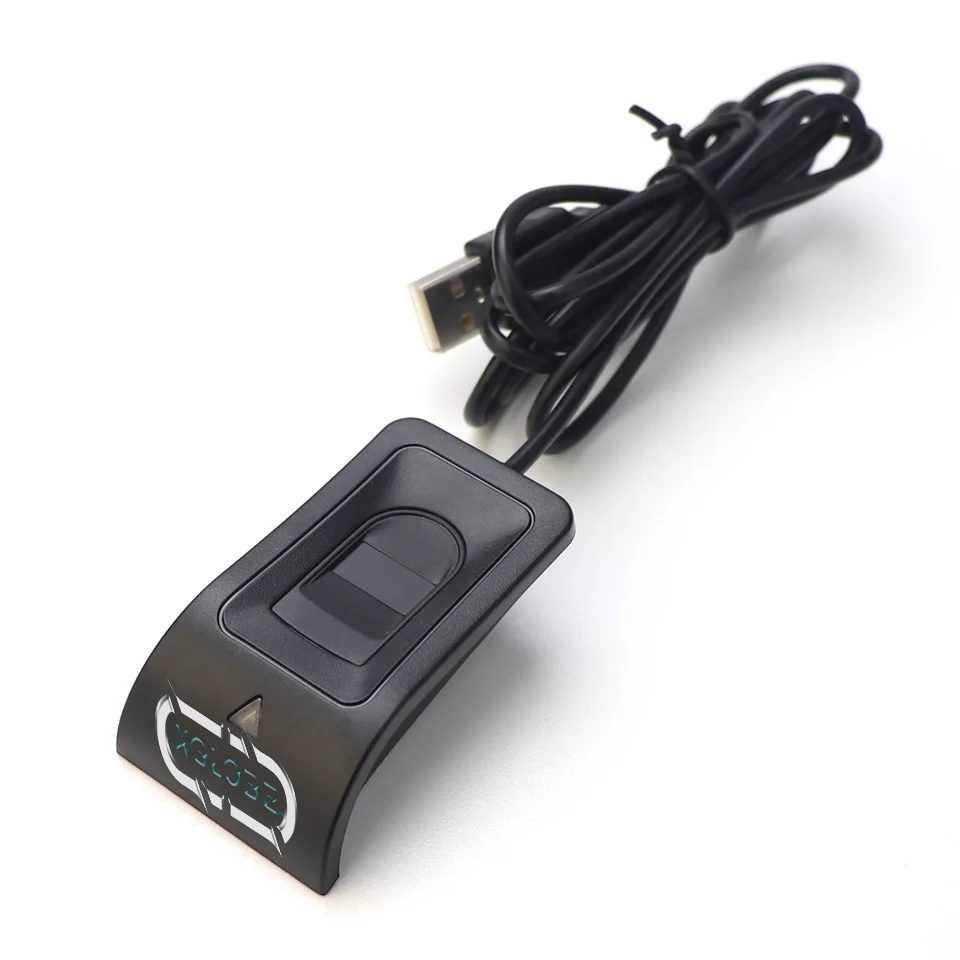
XGlobe-branded USB fingerprint reader isolated from the original catalogue photograph.
Original catalogue subject · background removed. Configuration and availability by inquiry.
THE CONNECTION TO YOUR SYSTEM

Built around the work.

01

Identity verification

Connect an identity check to the specific access or attendance workflow that needs it.

02

Access decisions

Keep the identity signal connected to the organization’s actual permission and approval rules.

03

Team setup requirements

Confirm device type, enrollment process, record handling, software compatibility, and support.

View original catalogue image
USB fingerprint reader with an XGlobe logo.
Original XWARE catalogue image · configuration and availability by inquiry.
Compatibility, availability & planning

The catalogue describes solution areas. Stock, specifications, certification, ownership, installation, and operational deployment require current confirmation.

Share the intended use, location, quantity, connectivity and software requirements so the configuration can be reviewed.

QUESTIONS & ANSWERS

A clearer picture.

The details that help you choose your next step.

Does a biometric match automatically authorize entry?

No. Identity verification and access permission are different decisions. The configured workflow must apply the organization’s approved rules after the relevant identity signal.

What needs to be confirmed before installation?

Confirm the device type, enrollment process, permitted use, data handling, system connection and support. The catalogue image is not evidence of a complete deployed identity service.

Is biometric record handling defined by this page?

No. The specific deployment must establish the records collected, who may access them and the applicable handling requirements before use.

What does the original catalogue image establish?

It shows the original XGlobe catalogue presentation. Confirm the current model, configuration, availability, software compatibility and support before ordering. A product image is not a live stock or integration guarantee.

THE PEOPLE’S CORPORATION

A future
for people.

Personal control. Human opportunity.
Stronger local economies and a voice for communities.

Join XGlobeExplore the mission
SEARCH THE WHOLE ECOSYSTEM Press Esc to close
FIND THE RIGHT FIT

Your products, side by side.