Evaluate the complete interaction
For example, scanning at checkout and scanning during receiving may use the same item code but need different resulting records. Plan the destination field and the expected event before selecting the reader.

A barcode reader turns a visible code into a useful input. The business value depends on where that input goes: a product lookup, a stock movement or another authorized record. A successful setup keeps the item identifier connected to the action the person is performing.
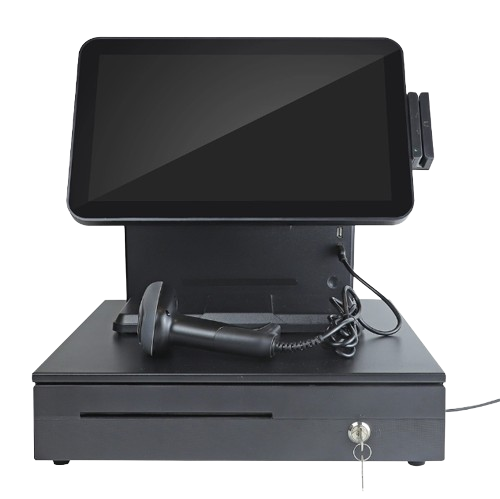
Devices for product/asset identification, inventory counts and POS/mobile system integration.
The mission behind the workFor example, scanning at checkout and scanning during receiving may use the same item code but need different resulting records. Plan the destination field and the expected event before selecting the reader.
In a representative test, check the code as printed on the real item and verify the exact value received by the application. The person scanning should be able to recognize a failed or incorrect read before it becomes the wrong item record. Confirm how repeated scans are handled in the chosen workflow.
Devices for product/asset identification, inventory counts and POS/mobile system integration.
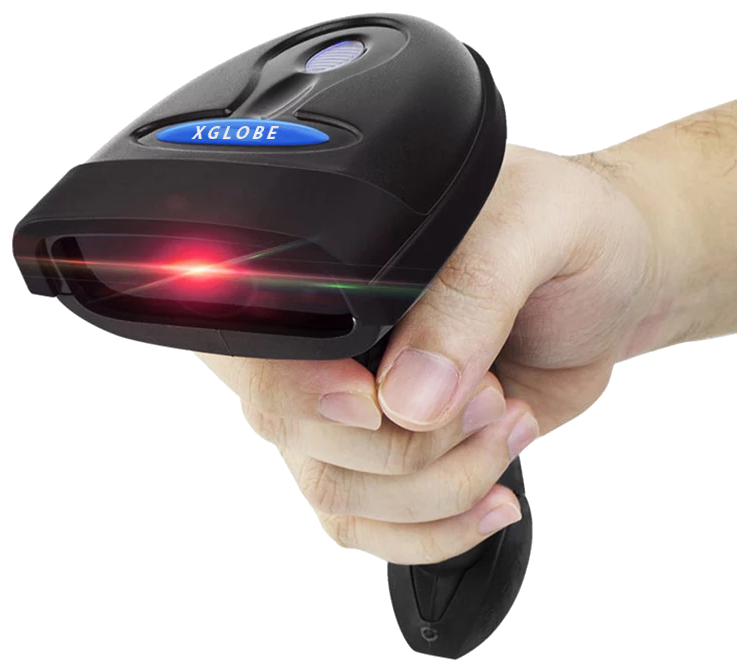
Use an item’s barcode to connect the physical object with its digital record.
Reduce repeated manual entry during receiving, counting, picking, and checkout.
Match the reader, code formats, connection method, and scan output to the system receiving the data.
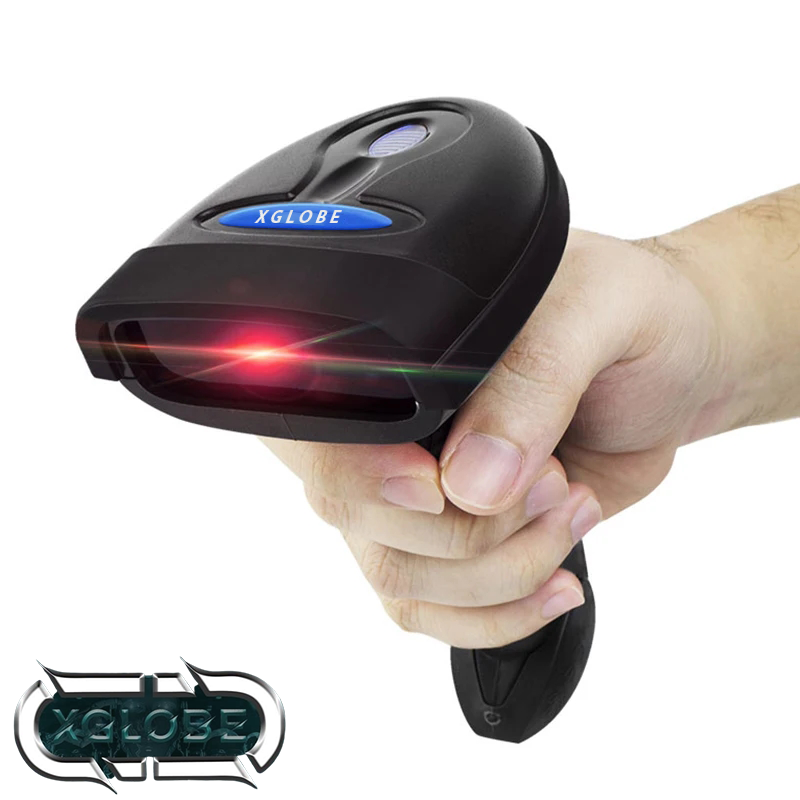
The catalogue describes solution areas. Stock, specifications, certification, ownership, installation, and operational deployment require current confirmation.
Share the intended use, location, quantity, connectivity and software requirements so the configuration can be reviewed.
The details that help you choose your next step.
List the actual code types and representative labels used by the business. A device that reads one format should not be assumed to support every printed code, damaged label or screen display.
Not on its own. The receiving application must interpret the identifier and apply the right stock action. Confirm the device input method and the software workflow together.
Counter use, warehouse movement and field use can require different reach, handling and connectivity. Evaluate the physical location and a representative task rather than choosing by appearance.
It shows the original XGlobe catalogue presentation. Confirm the current model, configuration, availability, software compatibility and support before ordering. A product image is not a live stock or integration guarantee.
Personal control. Human opportunity.
Stronger local economies and a voice for communities.