Evaluate the complete interaction
A useful evaluation follows one ordinary transaction and one exception, such as a corrected item or an interrupted print job. That reveals which equipment and software relationships matter at the actual counter.

A point-of-sale setup joins a service interaction with the records behind it. The terminal, display, scanner, receipt output and payment connection need to fit the same workflow. The goal is an understandable handoff between the customer-facing activity and the business’s records.
Point-of-sale direction combines customer transactions, inventory integration and sales insight.
The mission behind the workA useful evaluation follows one ordinary transaction and one exception, such as a corrected item or an interrupted print job. That reveals which equipment and software relationships matter at the actual counter.
A counter walkthrough should show how staff recognize the state of the transaction when something is interrupted. Check the relationship between the sale record, payment result and printed output. One component reporting success should not be mistaken for confirmation that every other part of the handoff completed.
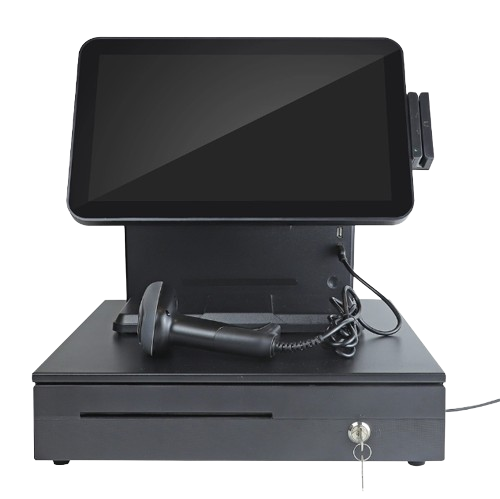
Connect the point of sale to the items, services, and staff involved in a transaction.
Plan how transaction records relate to inventory, customers, and reporting.
Match the terminal, screen, scanner, printer, and payment connection to the location.
The catalogue describes solution areas. Stock, specifications, certification, ownership, installation, and operational deployment require current confirmation.
Share the intended use, location, quantity, connectivity and software requirements so the configuration can be reviewed.
The details that help you choose your next step.
No. A hardware catalogue image does not activate a processor or merchant account. Terminal support, provider configuration and transaction handling need separate confirmation.
That depends on the configured software and device connection. Define the record relationships and validate a representative transaction before relying on an integration.
Describe the products or services, available space, staff workflow and required output. The right combination depends on the operation, not simply the number of devices pictured.
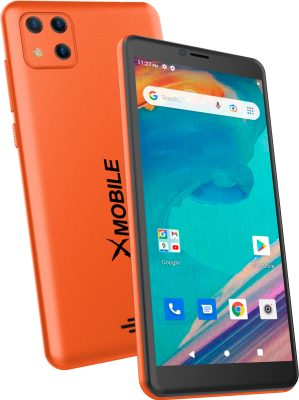
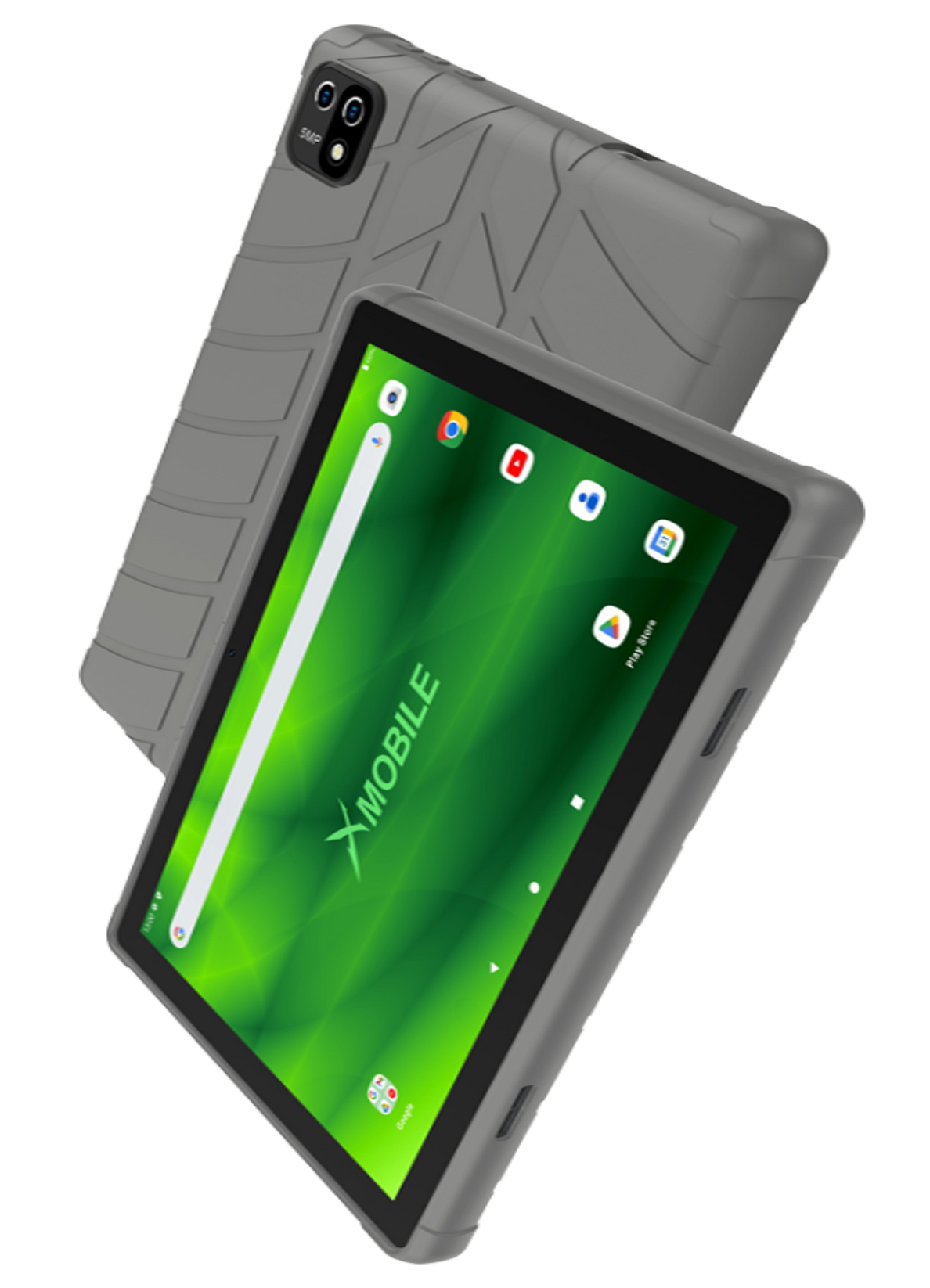
It shows the original XGlobe catalogue presentation. Confirm the current model, configuration, availability, software compatibility and support before ordering. A product image is not a live stock or integration guarantee.
Personal control. Human opportunity.
Stronger local economies and a voice for communities.