Evaluate the complete interaction
For an illustrative service point, follow a customer from receiving a pager to returning it. That reveals how staff connect the device number to the correct request and how the process handles a missed notification.

Waiting pagers help connect a person or queue position with a notification at a service location. Their usefulness depends on the staff process: who assigns a device, when the customer should return and how the device is collected. Charging and device availability are part of daily operation.
Queue communication for waiting areas and staff workflows with wait-time/service-preference information.
The mission behind the workFor an illustrative service point, follow a customer from receiving a pager to returning it. That reveals how staff connect the device number to the correct request and how the process handles a missed notification.
A short operational trial should test assignment, notification and collection with the staff who will use the system. Check how a missed call or unavailable device is handled. A clear fallback keeps the service interaction understandable even when a pager notification alone does not complete the handoff.
Queue communication for waiting areas and staff workflows with wait-time/service-preference information.
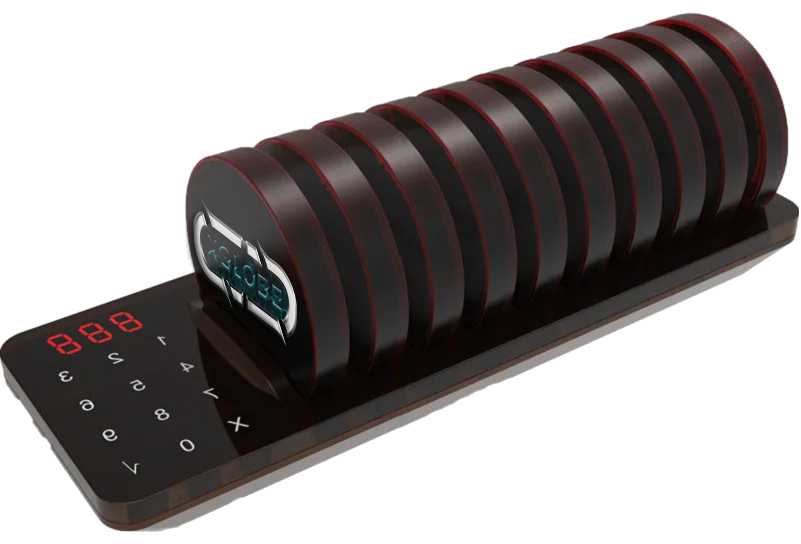
Connect a customer or queue position with the appropriate pager.
Plan when a waiting person needs to return to the service point.
Confirm range, charging, number of devices, and the team’s operating process.
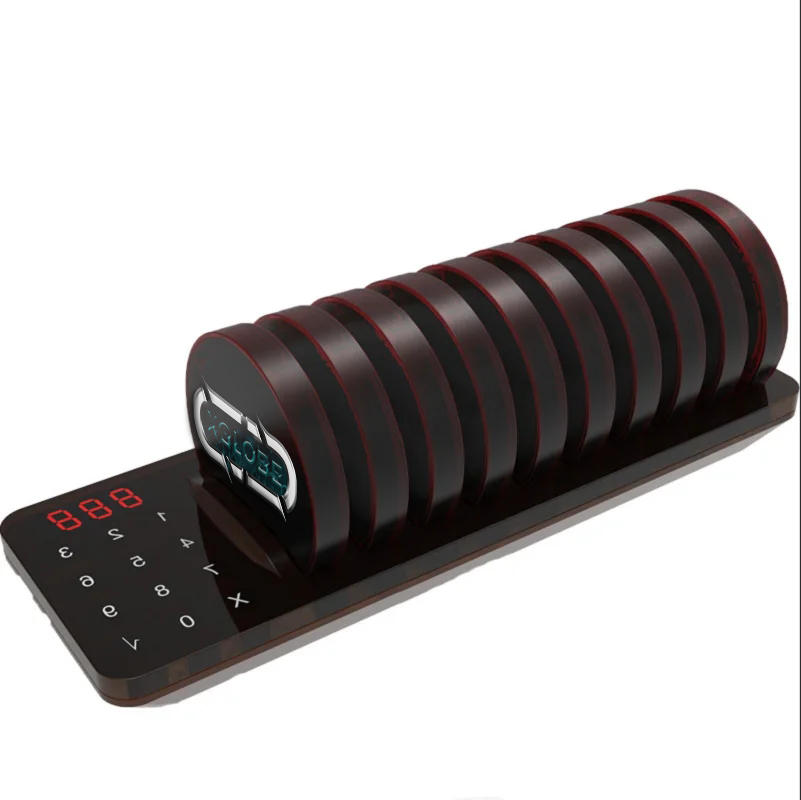
The catalogue describes solution areas. Stock, specifications, certification, ownership, installation, and operational deployment require current confirmation.
Share the intended use, location, quantity, connectivity and software requirements so the configuration can be reviewed.
The details that help you choose your next step.
No site-specific range is established by the catalogue. Review the actual premises, device configuration and testing conditions before relying on coverage.
A notification device and a queue-management application are separate. Confirm how the assignment and service position are recorded in the intended workflow.
Device assignment, charging, collection and missed notifications need a clear process. The number of available units should fit the location’s service model.
It shows the original XGlobe catalogue presentation. Confirm the current model, configuration, availability, software compatibility and support before ordering. A product image is not a live stock or integration guarantee.
Personal control. Human opportunity.
Stronger local economies and a voice for communities.