UNDERSTAND THE CONNECTION

Put the right record in the right place

Receipt printers connect a digital event with a physical output at the point of service. A useful setup identifies which event creates a print job, what the output means and where the person needs it. Receipts, tickets and operational documents may have different routing and media requirements.

THE PURPOSE IN PRACTICE

Printers for purchase receipts, orders, queue workflows and POS-linked records.

The mission behind the work

Evaluate the complete interaction

A representative test should include the expected output and a recovery case, such as running out of media or losing the connection. Staff need to understand whether an item was printed, needs a reprint or requires another action.
What a representative trial should clarify

Make the meaning of a reprint clear to staff. A second physical copy should not create confusion about whether a second transaction occurred. Check the actual application’s behavior and the format of the output so people can distinguish a record copy from a new business event.

XWARE / HARDWARE CATALOGUE

Receipt printers

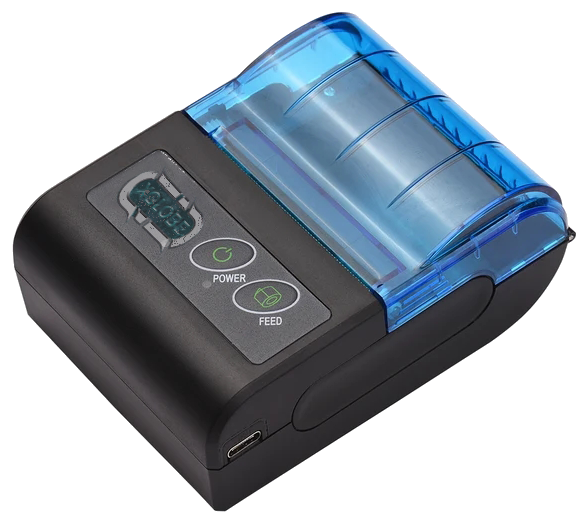
Printers for purchase receipts, orders, queue workflows and POS-linked records.

Portable thermal receipt printer with its original blue lid and controls.
Original catalogue subject · background removed. Configuration and availability by inquiry.
THE CONNECTION TO YOUR SYSTEM

Built around the work.

01

Print the right record

Produce the receipt, ticket, or operational output needed at the point of service.

02

Workflow routing

Decide which event creates the print job and where the output needs to appear.

03

Hardware fit

Confirm format, media, connection type, placement, and software support.

View original catalogue image
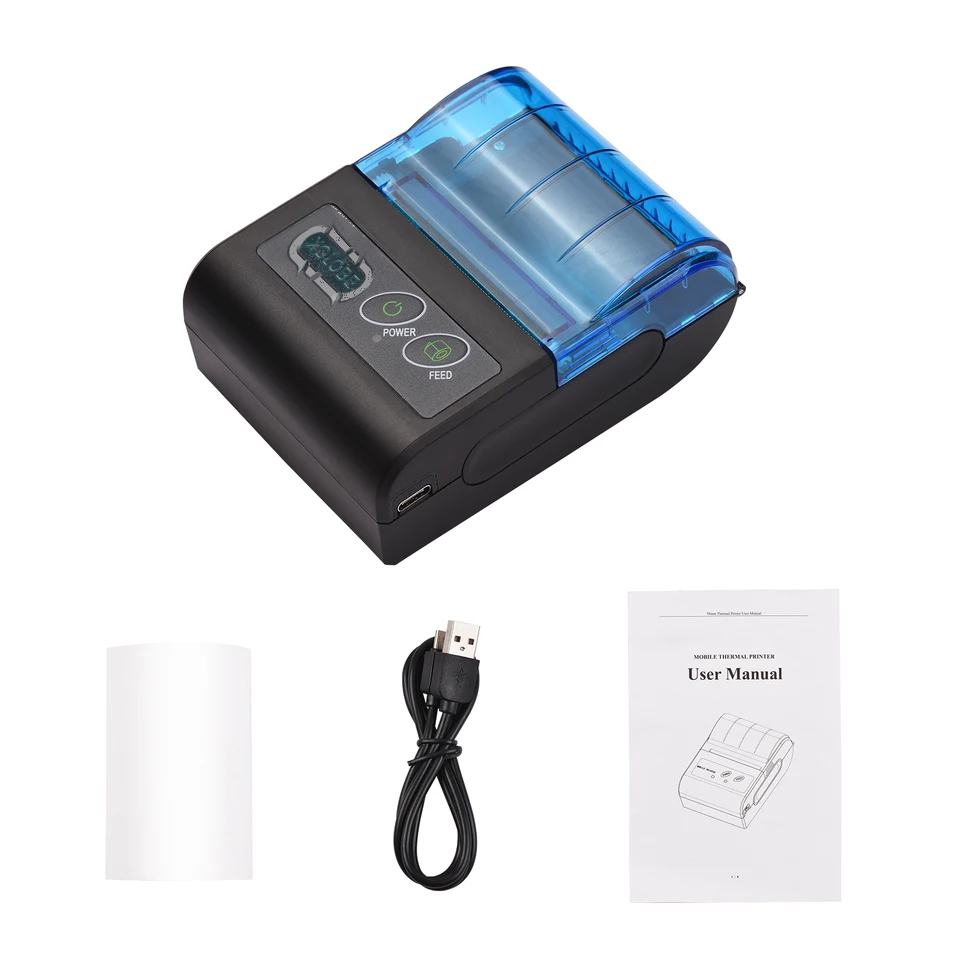
Portable thermal receipt printer with paper, USB cable and manual.
Original XWARE catalogue image · configuration and availability by inquiry.
Compatibility, availability & planning

The catalogue describes solution areas. Stock, specifications, certification, ownership, installation, and operational deployment require current confirmation.

Share the intended use, location, quantity, connectivity and software requirements so the configuration can be reviewed.

QUESTIONS & ANSWERS

A clearer picture.

The details that help you choose your next step.

What printer format do I need?

Tell us what you need to print, where it should appear and which system sends the job. We can discuss formats, paper, connections and placement.

Does a printer work with any POS system?

Compatibility depends on the model, driver or protocol and the configured application. Validate a real print job from the intended system before deployment.

Can print jobs route to different locations?

Ask us how printing can connect with your software and locations. The printer and its setup must support the output you need.

What does the original catalogue image establish?

It shows the original XGlobe catalogue presentation. Confirm the current model, configuration, availability, software compatibility and support before ordering. A product image is not a live stock or integration guarantee.

THE PEOPLE’S CORPORATION

A future
for people.

Personal control. Human opportunity.
Stronger local economies and a voice for communities.

Join XGlobeExplore the mission
SEARCH THE WHOLE ECOSYSTEM Press Esc to close
FIND THE RIGHT FIT

Your products, side by side.