The shared technology and creation layer behind application development, reusable modules, integrations, marketplace distribution, and business systems.
XCORE connects app building, reusable tools and business software within XGlobe. Build projects in Creator Studio, find building blocks in the Marketplace and explore systems that support your company’s work.
XONE CONNECTED WORLD
THE PURPOSE IN PRACTICE
The shared technology and creation layer behind application development, reusable modules, integrations, marketplace distribution, and business systems.
Creator Studio is where you build and configure app projects. The Marketplace helps you discover apps, extensions and reusable tools. Business Systems brings together tools for marketing, operations, administration and company information.
Start in Studio when you want to build an app, or browse the Marketplace when you need a reusable tool. For a company-wide system, talk with our team about your people, information and existing software.
02
What you can build in Creator Studio
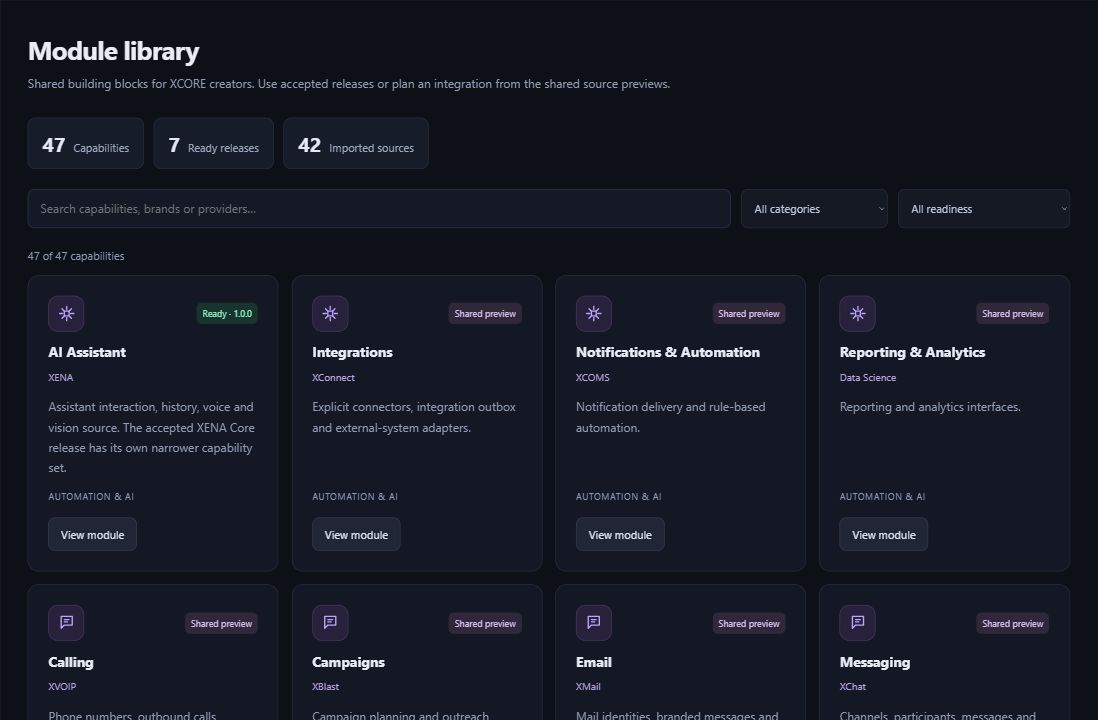
Organize personal app projects and workspaces, create tables, and build list, form and board views. Save and preview records, then export supported app structure and styling without private records. Browse the module library for reusable tools and setup details.
Try a simple work-request tracker with a status, owner and due date. Define the fields, build the views and review a few example records. Before connecting business systems or inviting a wider team, check the access and setup your project needs.
03
Connect creation to a real organization
An organization may need its customer records, project handoffs and reporting to work together. XCORE supplies a technology direction; Business Services helps define processes, responsibilities, migration and adoption. XStacks focus on industry workflows, while XPacks can combine software with a scoped service engagement.
This keeps technology in service of the mission. A tool should help people understand and perform useful work. More modules do not by themselves create a better organization; the application needs to fit its users, information and operational responsibilities.
Choose the XCORE tool that fits your goal and follow its setup instructions. An app project, downloadable code and a company-wide system have different access and support needs.
Sign-in and appropriate application permissions required.
Create app projects, tables and list, form and board views. Save and preview records, and export supported project files. Your workspace determines access; company-wide systems and connected services need additional setup.
Is Creator Studio the same thing as the ERP?+
Creator Studio helps you create and configure apps. Business Systems supports company operations. Turning an app project into a company-wide system requires the appropriate records, permissions, setup and support.
Does a ready module mean it is running in my app?+
Open the tool’s listing for setup instructions and access details. Downloadable code may need developer work before it runs in your app; browsing a listing does not connect a service.
How do I start an enterprise project?+
Tell our team how the work happens, who does it and which systems hold the information. Together, we can plan the tools, data transfer, connections, access and support your business needs.
THE PEOPLE’S CORPORATION
A future for people.
Personal control. Human opportunity. Stronger local economies and a voice for communities.