Evaluate the complete interaction
A useful walkthrough follows one delivery into a storage location, then checks how a later count or movement would be recorded. This exposes handoffs that a device specification sheet alone cannot resolve.

Inventory scanning is about the business event as well as the item. Receiving, counting, picking and moving stock each need an understandable record of what changed. A scanner helps capture the identifier; the workflow determines the quantity, location and responsibility associated with it.
Stock data capture for location/quantity accuracy, automated updates and current inventory information.
The mission behind the workA useful walkthrough follows one delivery into a storage location, then checks how a later count or movement would be recorded. This exposes handoffs that a device specification sheet alone cannot resolve.
Validate an ordinary stock movement and a correction, not only the first successful scan. Staff need to understand how the system distinguishes an item lookup from a counted quantity. Check that the intended location and user context remain attached when the resulting inventory record is reviewed.
Stock data capture for location/quantity accuracy, automated updates and current inventory information.
Capture item identifiers where stock enters, moves through, or leaves the business.
Connect the scan to the relevant quantity, location, or inventory activity.
Choose a device and connection method that fit the storage area and the work being performed.
The catalogue describes solution areas. Stock, specifications, certification, ownership, installation, and operational deployment require current confirmation.
Share the intended use, location, quantity, connectivity and software requirements so the configuration can be reviewed.
The details that help you choose your next step.
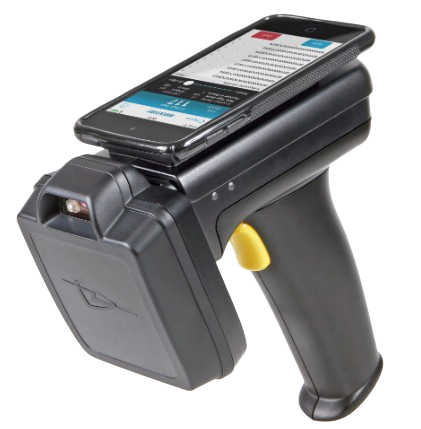
A barcode reader captures a code. An inventory workflow also needs the context of a count or movement. A handheld device may support that interaction, depending on the software and configured inputs.
Ask about device compatibility, network coverage, handling and offline support for your inventory workflow.
Describe the item labels, storage areas, quantities, user roles and stock system. A representative receiving or counting task helps define the required configuration.
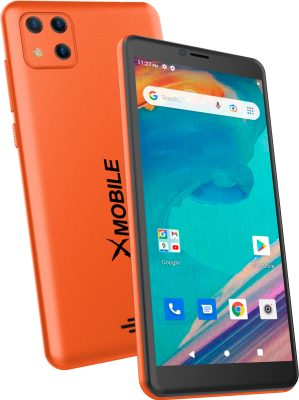
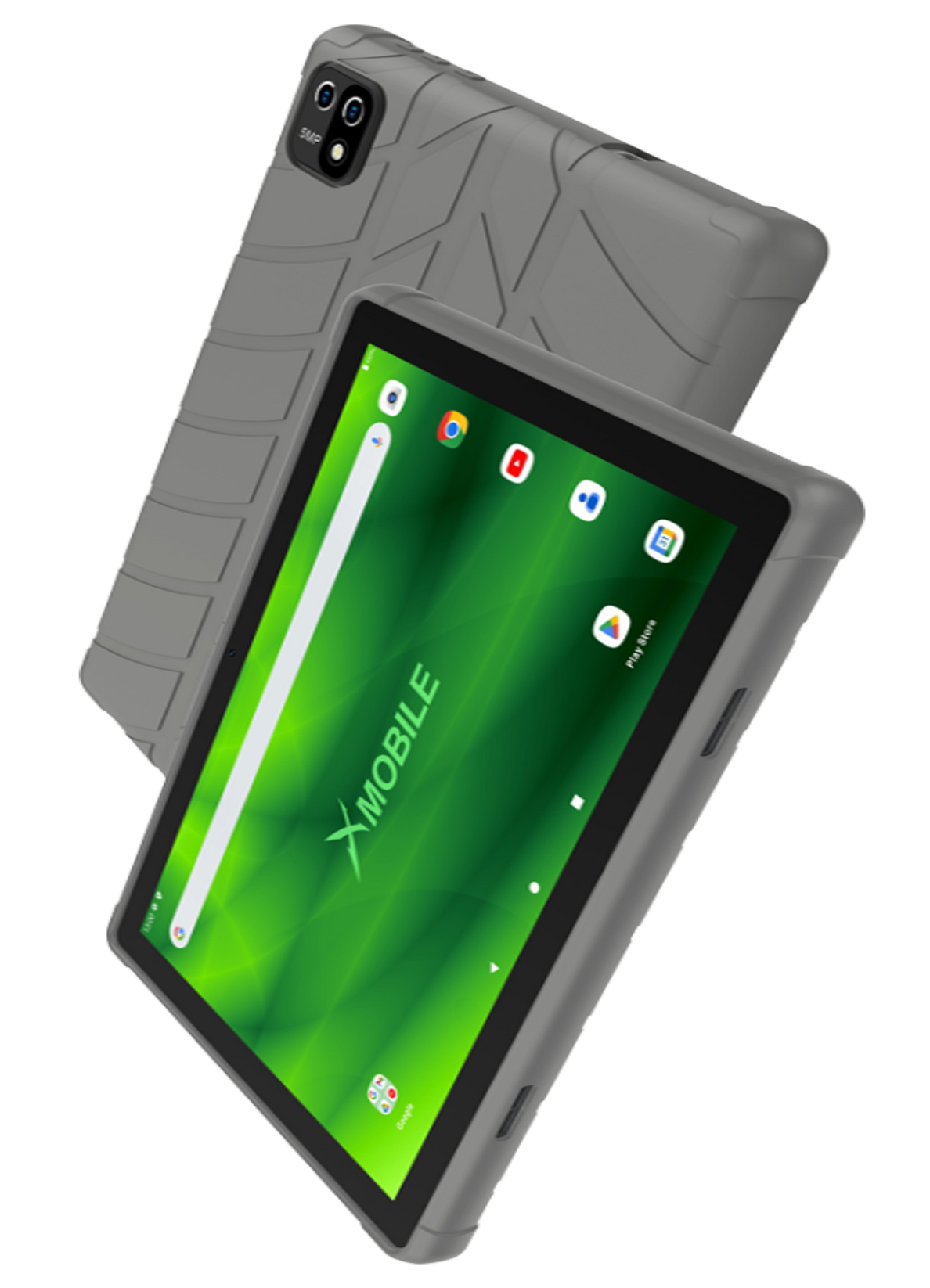
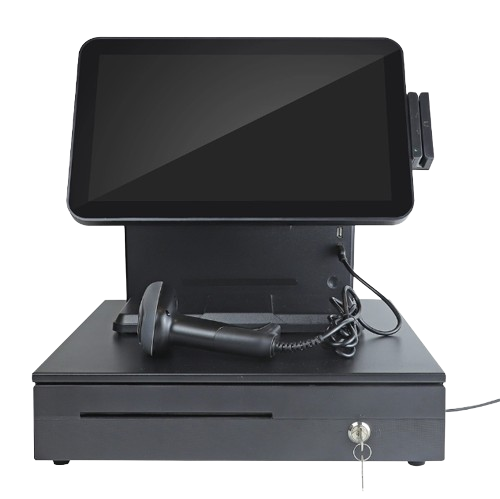
It shows the original XGlobe catalogue presentation. Confirm the current model, configuration, availability, software compatibility and support before ordering. A product image is not a live stock or integration guarantee.
Personal control. Human opportunity.
Stronger local economies and a voice for communities.