Keep the relationship connected to the next action.
Customer relationship management brings a person or organization, its interactions, opportunities, and service history into an understandable record. The XCORE direction connects that context with sales, appointments, projects, and delivery rather than duplicating it across disconnected lists.
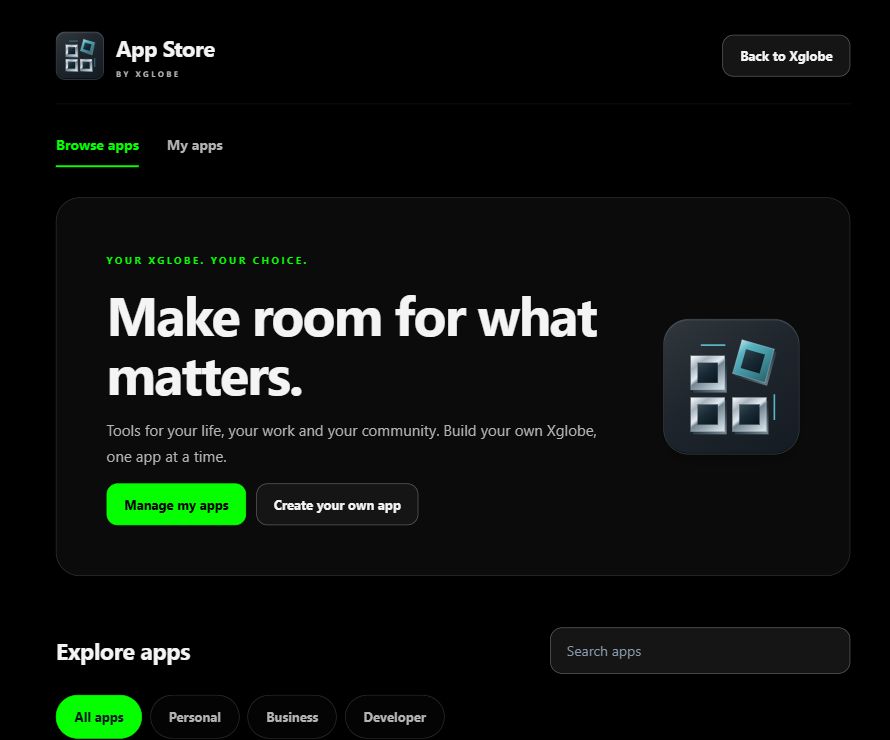
Inside the shared platform · actual App Store capture, November 2, 2026. This shows the platform catalogue, not a screenshot of every listed product.
THE PURPOSE IN PRACTICE
Organize customer information and sales context around the organization, with integration, reporting, and team adoption support.
An illustrative business might distinguish a contact, a company, an inquiry, an opportunity, and a completed job. Those records are related but not interchangeable. Define the owner, meaningful stages, required fields, and the action expected at each transition so the team can understand what needs attention.
02
Plan the migration and the daily use together
Before moving data, review duplicates, incomplete records, permissions, and the source system’s identifiers. Decide which information should be retained and how updates from connected tools will be reconciled. Staff training should use realistic handoffs, not just a tour of screens. The selected deployment determines available CRM functions and integrations.
WHAT THIS CONNECTS
A clearer view of the work.
01
Unified customer information
Keep the customer context connected to the interaction, the work, and the next useful action.
02
Segmentation
Define the goals, responsibilities, and practical requirements for segmentation within the customer relationship management engagement.
03
Sales forecasting
Understand the people, process, handoffs, and support needed to turn the business goal into consistent activity.
04
Migration and integration
Establish the required connections, configuration, access, and validation as part of the implementation scope.
05
Training and support
Connect practical knowledge, guided material, and opportunities to apply the skill to the work.
PLAN YOUR IMPLEMENTATION
Match the scope to your needs.
Choose the business tools your organization needs. Our team can confirm the app, access, connections and setup for your company before implementation.
No. A pipeline is one view of potential business. Customer relationships also involve contact context, communication, service history, ownership, and follow-up. The appropriate structure depends on how the organization actually works.
Can existing customer data be imported?+
Import requires source review, mapping, validation, duplicate rules, permissions, and an agreed test. A file being readable does not prove that every field belongs in the new system or that the migration is complete.
How should access be defined?+
Identify which roles need which records and actions. A shared customer system does not mean everyone should see every note, financial detail, or sensitive attachment. Permissions should match responsibility and be checked with representative accounts.
What makes CRM adoption practical?+
Clear stages, useful fields, named owners, simple handoffs, and training around real tasks. A technically configured system can still create duplicate work if the team has not agreed where information belongs and what happens next.
THE PEOPLE’S CORPORATION
A future for people.
Personal control. Human opportunity. Stronger local economies and a voice for communities.