Give people the access their responsibility requires.
Groups and permissions define who may see, create, change, administer, or share information. Within XCORE, access connects a person’s role with the relevant workspace, project, environment, and record rather than treating sign-in as universal authorization.
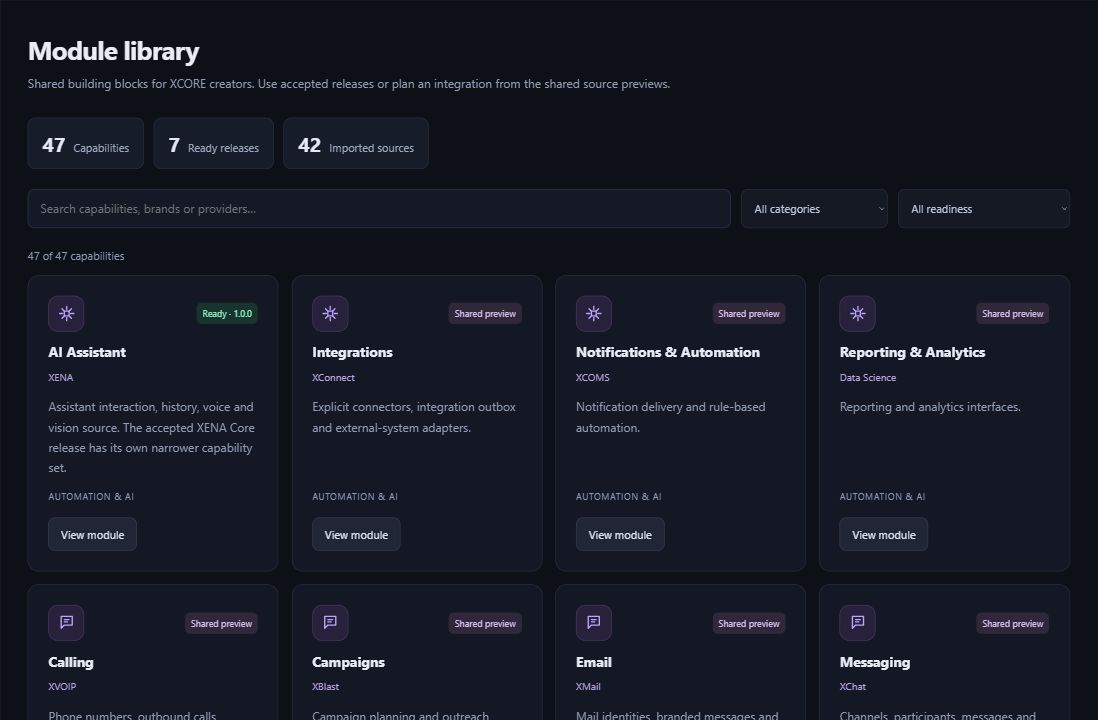
Inside the creation layer · actual XCORE module-library capture, November 2, 2026. Release labels and account permissions apply.
THE PURPOSE IN PRACTICE
Organize users into groups and define access to projects, environments, and administrative responsibilities.
An illustrative project contributor may need to read a brief and update assigned tasks without administering the workspace or viewing private financial records. A group name alone does not express those differences. Define the resources, actions, scope, and approval owner for each role.
02
Review change and removal
Scope invitations, role changes, temporary access, external collaborators, privileged administration, and departure. Test representative accounts against both allowed and disallowed actions. The actual permission model depends on the selected application; shared XGlobe identity does not automatically grant private access across every connected product.
PLAN YOUR IMPLEMENTATION
Match the scope to your needs.
Choose the business tools your organization needs. Our team can confirm the app, access, connections and setup for your company before implementation.
Does signing into XGlobe unlock every application record?+
Signing in identifies your account. Your organization and app permissions determine which workspaces, records and actions you can access.
What is useful about group-based access?+
It can organize repeated responsibilities so access is easier to review and maintain. The group still needs clearly defined actions and scope; a broad group label should not hide unnecessary administrative privileges.
How should temporary access work?+
Define the reason, approver, scope, duration, and removal process. A temporary collaborator should not retain unrestricted access simply because the project conversation has ended.
How can permission rules be verified?+
Use representative roles and test both intended access and actions that should be blocked. Reviewing configuration alone can miss inherited permissions or a private record exposed through search, export, or a linked view.
THE PEOPLE’S CORPORATION
A future for people.
Personal control. Human opportunity. Stronger local economies and a voice for communities.