
XCORE / AI & CREATION

Create with context.

Explore the connection between app creation, AI-assisted work, content, and music in the XCORE creation environment.

UNDERSTAND THE CONNECTION

Use assistance while keeping the creator in control.

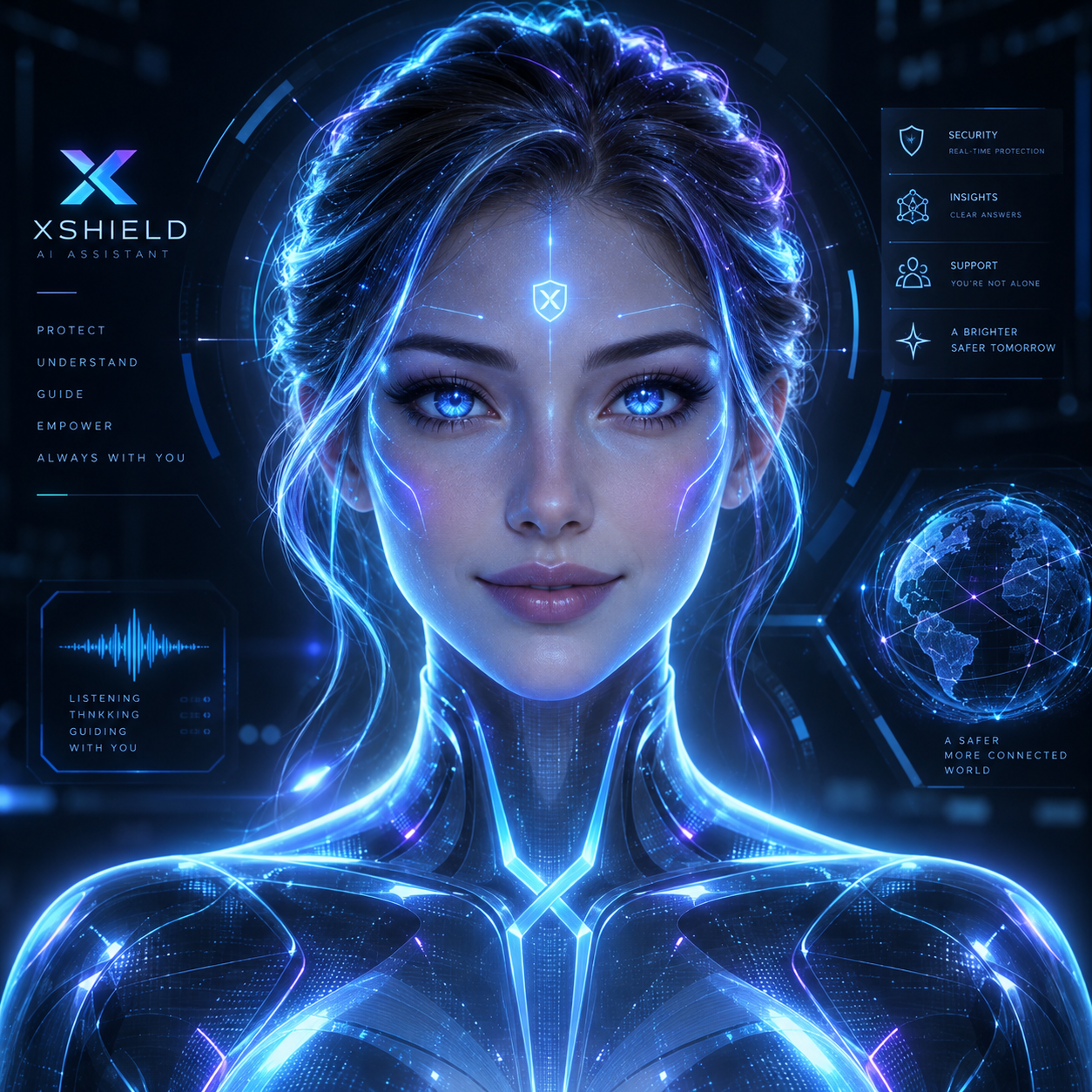
AI can help explain a problem, refine a brief or support a creator working through a structured project. XENA is the contextual assistant direction across XGlobe, with supported adapters and permissions defining the context she can use. AI output still needs review by the person responsible for the work.

XENA, XGlobe’s blue and silver robotic AI guide with luminous eyes and circuit details.
XENA · XGlobe AI guide
THE PURPOSE IN PRACTICE

Explore the connection between app creation, AI-assisted work, content, and music in the XCORE creation environment.

The mission behind the work

A practical example

An illustrative creator conversation might ask which records a work-request tracker needs, or why a visible error is occurring. On the corporate website, you can share a selected screenshot or screen frame with the question. XENA can comment on what is visible; she cannot see an unshared application or silently inspect a private workspace.

The connection to the wider XCORE layer

Separate guidance from execution. Website customer service offers text, optional microphone conversation, spoken replies and selected visual context. Inside supported applications, assistance depends on that application’s adapter. Automatic end-to-end app building and wider operational intelligence integrations remain development directions rather than a universal current capability.

Start with the context.
Define the next step.

Tell us what you are working on, the systems you use, and what needs to improve. Together, we can identify the appropriate tools, scope, and access.

Prepare your inquiry
QUESTIONS & ANSWERS

A clearer picture.

The details that help you choose your next step.

Can XENA build and deploy an entire app for me?

Use XCORE’s creator tools to shape your app and review AI suggestions as you go. Connecting services and launching an app require the appropriate setup, access and checks.

What can the website assistant see?

Public website information and the camera, selected screen or screenshot frames you explicitly share with a question. Verified account recognition supplies a first name, not access to private application records.

Can I speak to her while creating?

The website supports optional microphone transcription and spoken replies after your permission. Application-specific voice or context features depend on the supported adapter and configuration in that experience.

Should I accept generated code or advice without review?

Review the result against your requirements, permissions and intended use. AI can misunderstand context or propose an unsuitable step. Keep important changes under the responsible creator’s control.

THE PEOPLE’S CORPORATION

A future
for people.

Personal control. Human opportunity.
Stronger local economies and a voice for communities.

Join XGlobeExplore the mission
SEARCH THE WHOLE ECOSYSTEM Press Esc to close
FIND THE RIGHT FIT

Your products, side by side.